

By Steve Burgess, Burgess Forensics, 2026
“He passed last month, and his whole life is locked inside his phone. Can’t you just get in?”
I hear some version of that rather often —more than you might think, in fact. The request comes from grieving families, from fighting families, and from the attorneys handling their estates.
From the grieving, it’s asked with a kind of hope. It’s as though the phone were a filing cabinet, and I kept the master key in a drawer. From the fighting, it’s asked with a harder edge, and even a kind of unfounded certainty, because by then everyone suspects the phone is holding something someone would rather it didn’t.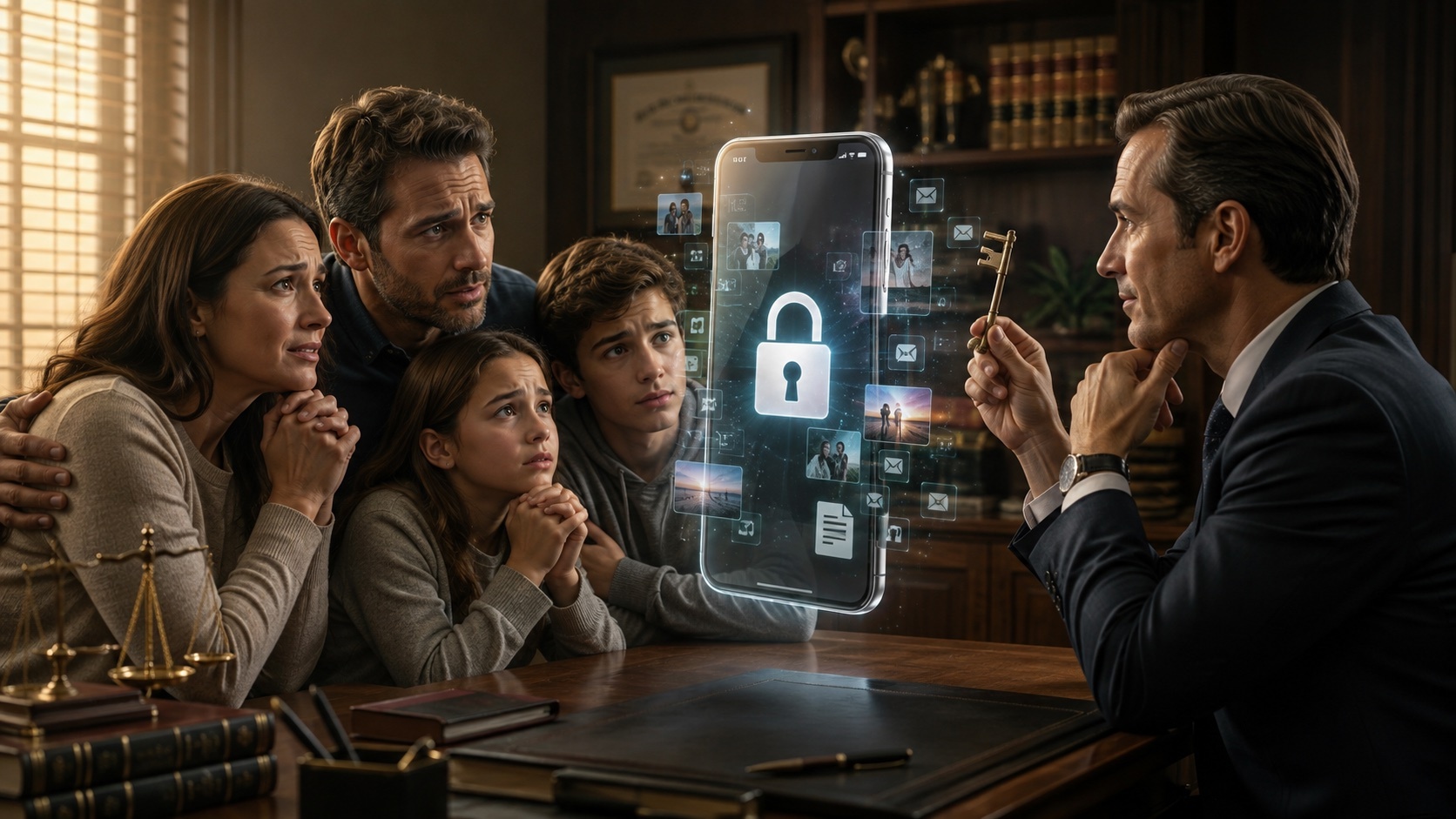
Sometimes I can help. Often the honest answer is: it depends on who planned, what’s stored where, and a couple of laws most people have never heard of.
A person’s digital life doesn’t end when they do. It just sits there —email, photos, messages, cloud backups, a crypto wallet, the online business, the loyalty points, the birthday wishes from casual friends who didn’t realize the intended recipient is gone —waiting for someone with the right authority (and sometimes the right password) to come along. The question your client is really asking is who that someone is, and whether the door will open when they get there.
“Isn’t the executor just entitled to all of it?”
Not automatically. This surprises people. Two things do most of the governing here, and they don’t always pull in the same direction.
The first is a federal privacy law, the Stored Communications Act, written in 1986, before almost any of your clients had an email address. In plain terms and except in narrow circumstances, it bars the companies that hold the actual words of emails, messages, and the rest of the electronic communications from handing over the contents. It really doesn’t care that Grandma died and the family is grieving. A provider can face liability for oversharing, so its reflex is “no.”
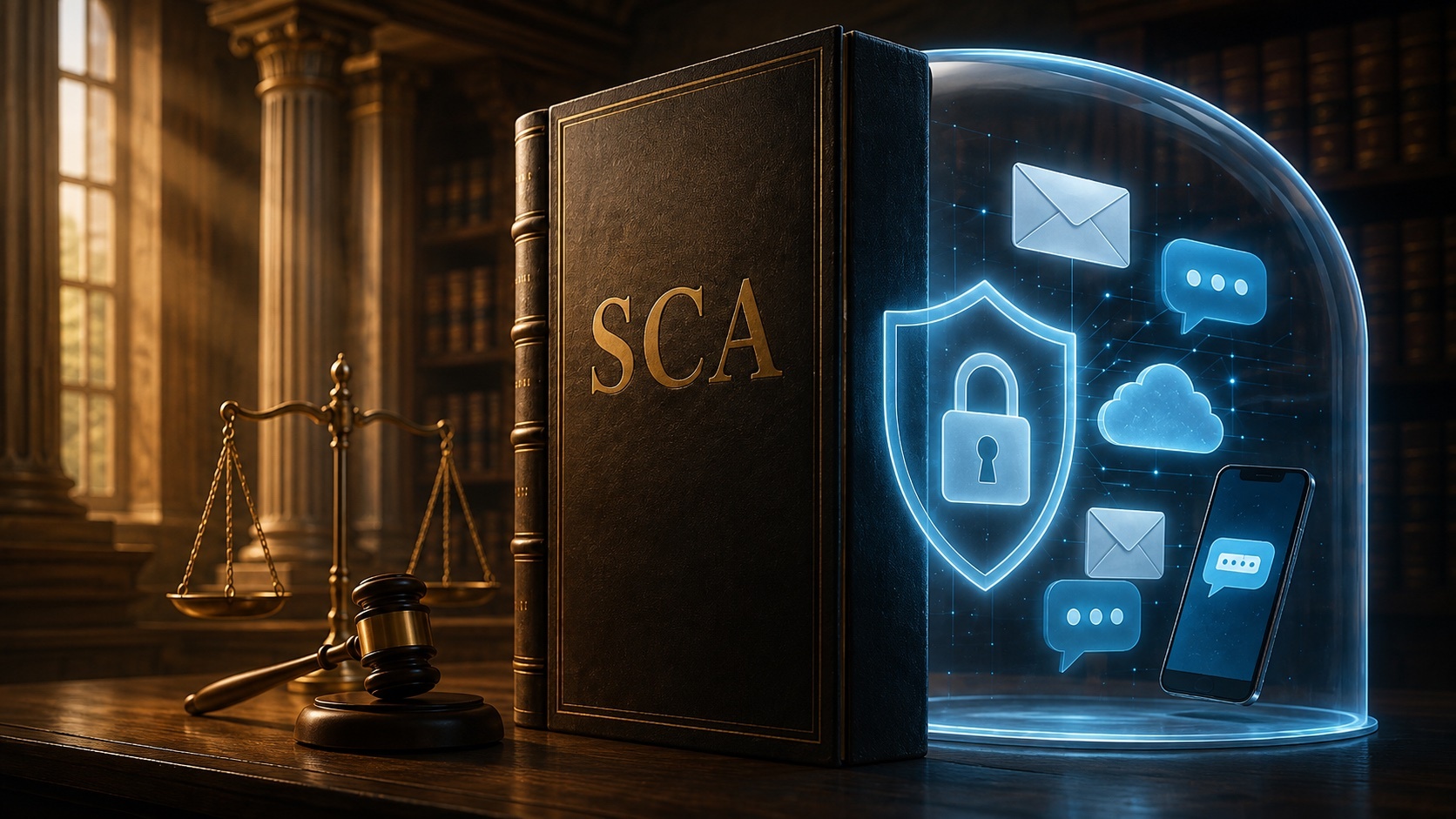 The second is a state law that most states have now adopted: RUFADAA —the Revised Uniform Fiduciary Access to Digital Assets Act (yes, it’s a mouthful; blame the committee that named it). Drafted by the Uniform Law Commission, it has been adopted in most U.S. states, though details and terminology may vary by jurisdiction. It gives executors, trustees, and agents under a power of attorney a legal path to a decedent’s digital assets while carving out those private communications for extra protection, to stay on the right side of that 1986 federal law.
Now the necessary disclaimer, and I mean it: I’m a forensic examiner, not a lawyer. RUFADAA’s details vary from state to state, so treat what follows as the lay of the land, not legal advice for your jurisdiction —that’s your department (or your attorney’s), not mine. But the structure is worth knowing cold, because it may decide who wins before a referee enters the picture.
The three-rung ladder (and it’s upside down from what people expect)
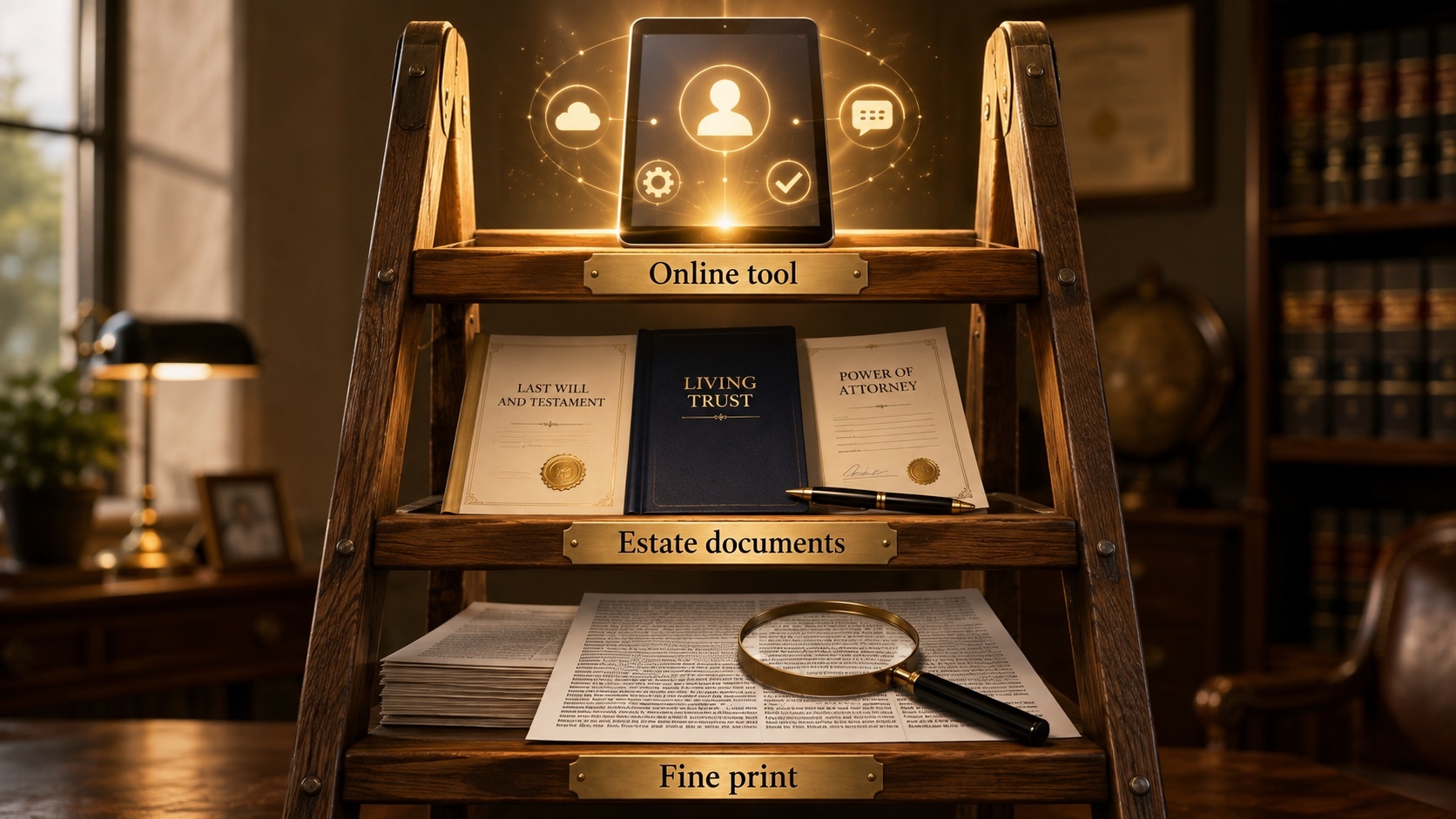
RUFADAA sets a priority order for who controls an account. Picture a ladder that the platform reads from the top down.
- The online tool. If the person used a tool the platform itself provides, such as Facebook’s Legacy Contact, Google’s Inactive Account Manager, Apple’s Digital Legacy, then that choice sits on the top rung. It can even override a contradictory will. Let that land: a two-minute setting on a phone can outrank a document a lawyer carefully drafted.
- The estate documents. No online tool? Then the directions in the will, trust, or power of attorney control who gets what, which is exactly why explicit “digital assets” language belongs in those documents now, not someday.
- The fine print. Nothing from above? Then the platform’s terms of service decide. But note that those were written to protect the platform, not your client’s heirs.
Most people are sitting on rung three without knowing it.
So, what do the big platforms actually do?
- Apple’s Digital Legacy can provide a designated Legacy Contact access to eligible Apple Account data, such as certain iCloud-stored photos, files, notes, messages, and device backups, after Apple approves a request supported by the access key and proof of death. It does not provide the decedent’s device passcode or decrypt a passcode-locked device, although Apple can remove Activation Lock. It’s one of the more generous setups, though. One caveat: if a paid iCloud+ account stops being paid, Apple does not guarantee indefinite preservation of data exceeding the free storage allowance and reserves the right to restrict access to or delete stored content.
- Google’s Inactive Account Manager is triggered by inactivity, not death. Set a window, say, three or eighteen months, and Google will either share the data you chose with the people you named, or delete the account. If nobody set it up, the family is left negotiating with support. Inactive Account Manager is an access plan, not a preservation plan: Google’s separate inactivity and storage-quota deletion policies still apply.

- Facebook memorializes an account once it learns of a death, and a Legacy Contact can tend that memorial page, but Facebook does not hand over private messages. Full stop.
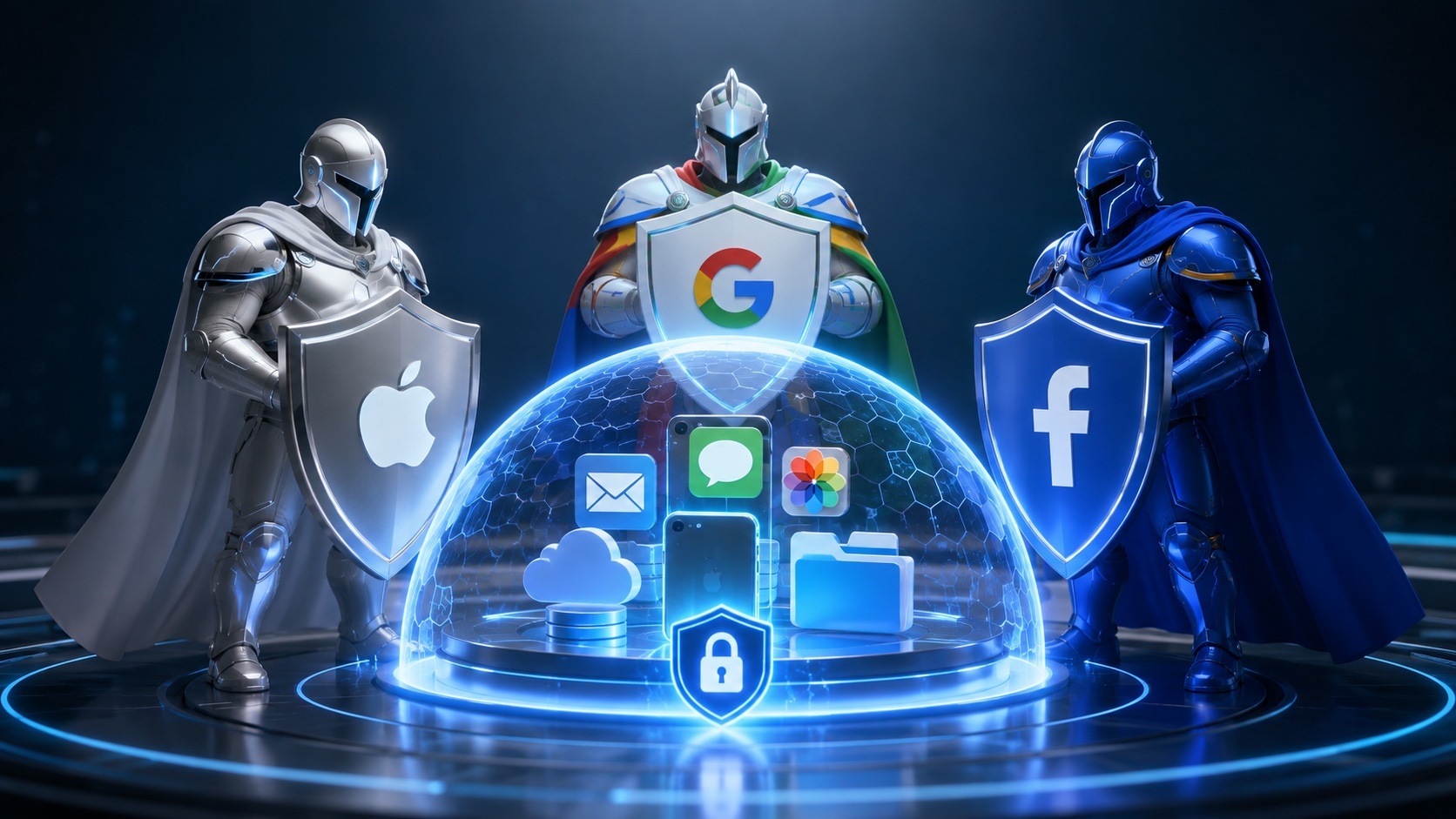
The pattern: the cloud is a locked building, and every landlord has its own rules for who gets a key, and which rooms that key opens.
Note that companies change policies and the above are accurate as of the writing of this article.
“What if I need it for a case, not the estate?”
This is where the fighting families come in. Same walls, different reason for wanting in. When a decedent’s texts or emails matter to a wrongful-death claim, a probate contest, or a business dispute, a subpoena to the provider still runs headfirst into the Stored Communications Act on content. Still, a properly authorized fiduciary may have a stronger route to a catalogue of communications or other non-content records than to message content, though providers may require formal documentation and may impose statutory or policy-based conditions.
Which is why, in my line of work, the device usually beats the cloud. A phone, laptop, or backup that’s lawfully in the estate’s possession, when examined with proper authority, frequently holds the messages, photos, and app data the platform won’t volunteer, plus deleted material that never made it into any legacy tool.
 The catch is always the same pair: authority and access. The right to look, and a way in. And that “way in” is the quiet crisis. Desktop and laptop computers, and their physical backup drives, often give the enterprising computer geek a number of ways in. We’re frequently called on to excavate these potentially rich sources: existing files, deleted ones, and former drafts of the very documents and evidence a case turns on.
Phones are another matter. Modern ones are encrypted by default, so without the passcode, a legacy contact, or a good backup, even the family’s own forensic examiner can end up staring at a very expensive brick. (“Encrypted” isn’t always the dead-end people assume —but it isn’t a guarantee either.)
So, what to do?
This is the easy part, and it’s worth handing to clients now rather than litigating later.
- Set the online tools. Apple Digital Legacy, Google Inactive Account Manager, Facebook Legacy Contact. It only takes about five minutes each, and they sit on the top rung of the ladder.
- Put digital assets in the estate plan. Explicit language in the will, trust, and power of attorney authorizing the fiduciary to access digital assets, including the content of communications, is exactly the consent RUFADAA and the SCA are looking for.
- Keep an inventory, not a password list in the will. A will can become a public record; a sealed, separately stored list of accounts and where the keys live does not. Crypto especially. Custodial exchanges may have separate estate-access procedures, subject to identity, probate, and compliance requirements. But self-custodied crypto is unforgiving: no seed phrase or proper login and no crypto coins for you. No exceptions.
- Don’t “clean up” the device. For anything that might become contested, powering through a phone or running a factory reset can destroy evidence. It’s also very likely to raise spoliation questions in a contested case. When in doubt, preserve first and examine later.
The uncomfortable part 

Most of us have built a whole second life online without realizing and left no instructions for it. For your clients, a few minutes of planning turns what would have been a legal-and-forensic headache into a routine handoff.
What’s the messiest digital-estate tangle you’ve run into? A locked phone nobody had the code to, a memorialized account, a crypto wallet with no key in sight? I’d like to hear how it played out.
Burgess Forensics: (866) 345-3345 | steve@burgessforensics.com
Steve Burgess is a digital forensics expert witness with more than 40 years of experience and over 20,000 devices and digital media examined. He is the principal of Burgess Forensics, founded in 1985.
Don’t miss a single issue of our informative newsletter … Subscribe now!