
Copyright 2026, Steve Burgess
Smartphones are the single richest source of digital evidence in most litigation today. Text messages, call logs, photos, location history, app data, deleted files — it’s all there, sitting in a device that fits in a shirt pocket. Or in that back pocket that’s covered with bling. You’d think that because phones are so ubiquitous and so central to how people communicate, attorneys and their clients would have developed good instincts about preserving them. You would be wrong, and I say that with forty years of forensic experience and genuine affection for the legal profession.
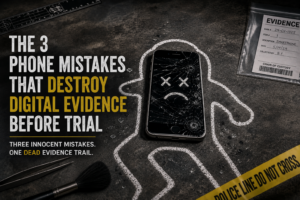
The mistakes I see aren’t necessarily the result of bad intentions. They’re the result of people not knowing what they don’t know — which, in digi
tal forensics, turns out to be quite a lot. Here are the three that do the most damage.
Mistake One: Letting the Client Keep Using the Phone.
This one is so common that I’ve stopped being surprised by it, though I haven’t stopped being pained. The moment litigation is reasonably anticipated, a litigation hold applies to that phone. What it does not do, unfortunately, is apply itself. Unless someone explicitly tells the client to stop using the device normally, they will continue using it norma
lly — deleting old messages to free up space, backing up and syncing, downloading updates, letting apps purge their caches — all of which can overwrite the very data that might have been recoverable. The phone doesn’t know there’s a lawsuit. It’s just doing its job. .
.
Even using the phone abnormally, that is – at all – makes potentially important changes to data that
could be responsive, and can also make otherwise recoverable data gone from the planet.
The fix is straightforward but has to happen early: tell your client, in plain language, to stop deleting anything and to bring you the phone. Not a screenshot of the phone. The phone. Best to put it into airplane mode and then turn it off immediately. We’ll get to screenshots in a moment.
Mistake Two: The Screenshot Problem.
Attorneys receive screenshots of text message conversations constantly. Clients send them because they’re easy, because they feel like evidence, and because nobody told them otherwise. The problem is that a screenshot is a photograph of information, not the information itself. It shows you what someone wants you to see, cropped to whatever boundaries they chose, dating the evidence to the very time they took the screenshot, with none of the underlying data that makes digital evidence actually useful in court.
Even worse, we regularly get PDFs of screenshots of the evidence, two steps of creation removed from the genesis of the underlyi ng evidence.
A proper extraction of text messages from a phone includes the full conversation thread, the phone numbers associated with each contact, timestamps that can be verified against carrier records, and in many cases deleted messages that the client may not even know still exist. A screenshot gives you none of that. It also gives opposing counsel a straightforward authenticity challenge, because a screenshot can be edited in about thirty seconds by anyone with a basic photo app and an agenda. Courts are increasingly skeptical of screenshots standing alone, and rightly so. If the text messages matter to your case, get the phone examined by someone who can extract the data forensically.
Mistake Three: The Factory Reset.
This is the one that occasionally crosses the line from mistake into something courts take a very dim view of, depending on the timing and the circumstances. People factory reset their phones for all kinds of innocent reasons — selling the device, switching carriers, trying to fix a software problem, general digital housekeeping, following the instructions of a tech support rep. Even just copying the data to a new phone. Hit the wrong button during the process and Poof! All the un-transferred stuff is gone. When it happens after litigation is anticipated and a litigation hold is in effect, innocent reasons tend not to matter as much as you’d hope.
What many people don’t realize is that a factory reset, once it happens, puts you in a very difficult position legally 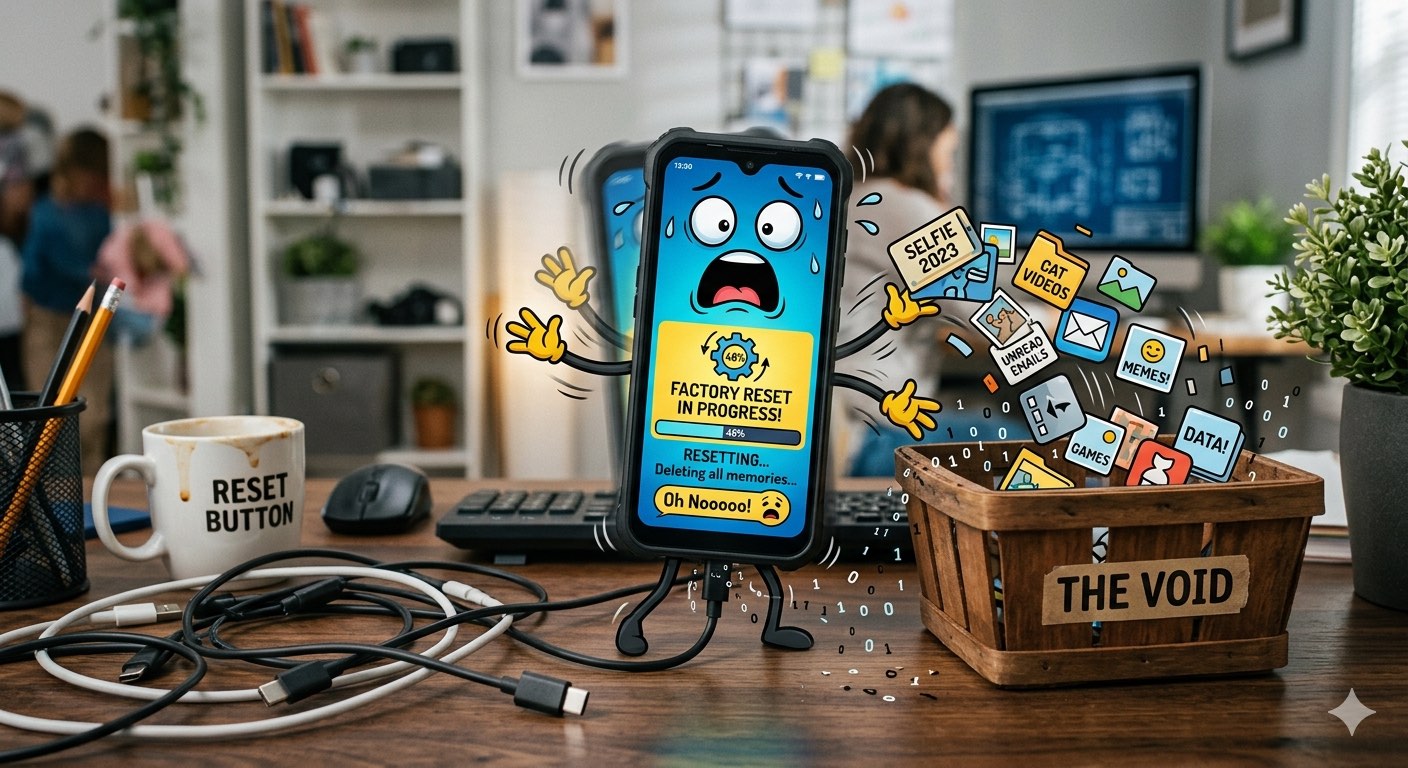 — regardless of what may or may not remain on the device. Which, with newer devices, is usually zilch. Courts don’t look kindly on resets that occur after a litigation hold is in effect, and the explanation of ‘I didn’t know’ tends to land with a thud. The time to have this conversation with your client is before it happens, not after.”
The common thread in all three of these mistakes is timing. Digital evidence is not like paper evidence — it doesn’t just sit in a filing cabinet waiting patiently for someone to come find it. It’s dynamic, it’s fragile in ways that aren’t obvious, and the window for preserving it can close faster than anyone expects. The attorneys who understand this engage a forensic examiner early, preserve the device properly, and go into discovery knowing what the phone contains. The ones who don’t tend to find out what was on it the hard way.
If your client’s phone was examined today, would you know what’s on it — or would you find out the same time opposing counsel does?
Don’t miss a single issue of our informative newsletter … Subscribe!
Steve Burgess is a digital forensics expert witness with more than 40 years of experience and over 20,000 devices and digital media examined. He is the principal of Burgess Forensics, founded in 1984.