
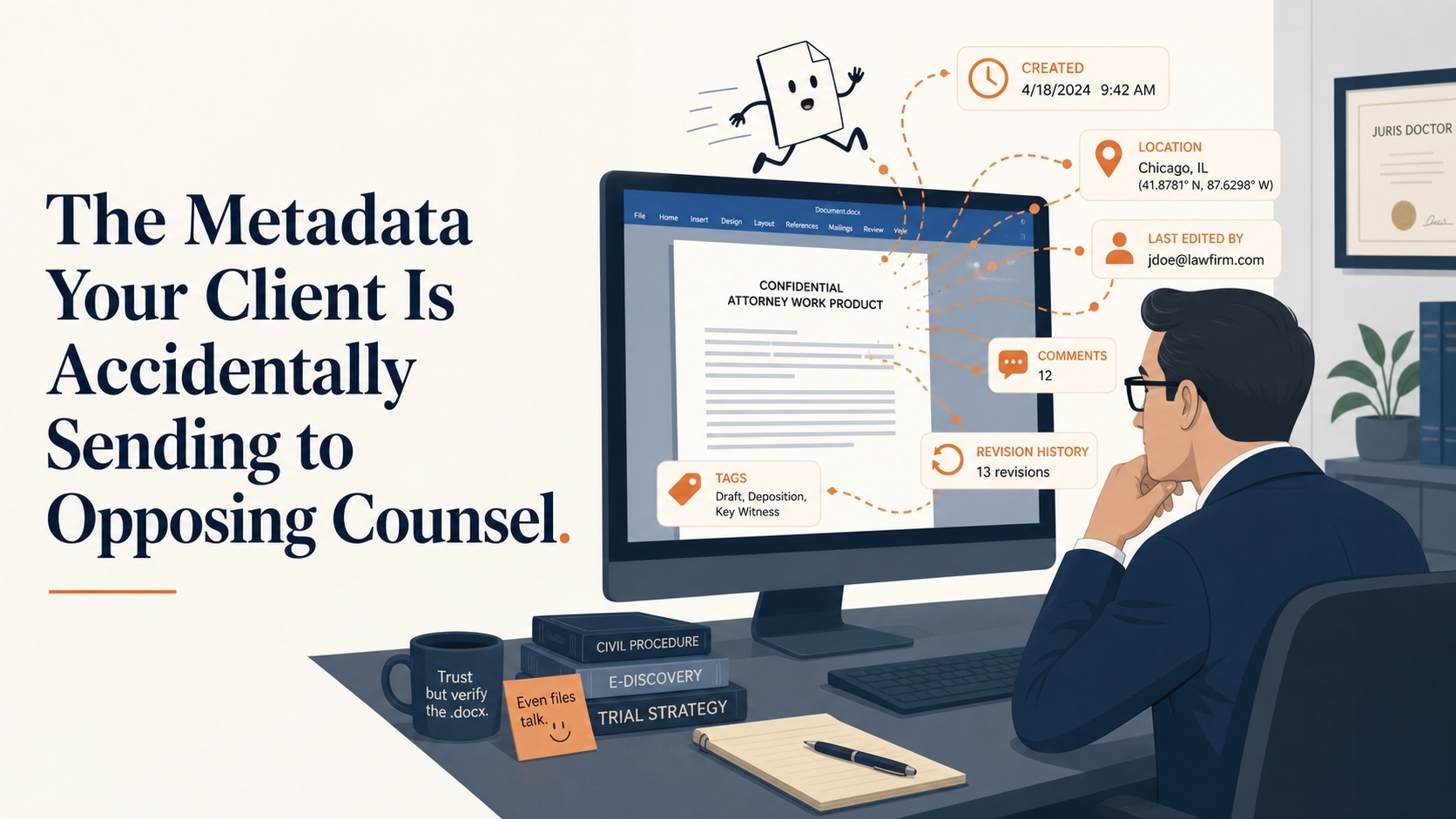
Your client didn’t leak anything on purpose. That’s usually how it goes. The confidential settlement number, the internal complaint about a coworker, the photo that was supposed to prove they were out of town — all of it can arrive at opposing counsel’s desk wrapped in a bow, because nobody thought to ask what was riding along with the file.
Metadata is the paperwork a document fills out about itself. Every photo carries a record of when and where it was taken, and often what device took it. Every Word document remembers who created it, who edited it, and sometimes what earlier drafts looked like — because “track changes” doesn’t always mean what people think it means. Every email carries routing information that shows exactly which server it passed through and when, which is a problem if someone’s story about when they “first learned” something doesn’t match the timestamps.
I’ve spent more hours than I’d like counting looking at metadata that a client’s own attorney didn’t know was there. A “final” contract whose revision history documented every negotiating position the client took before landing on the last one. A deposition exhibit — a screenshot, no less — whose EXIF data placed the photo three weeks earlier and 200 miles away from where the witness swore it was taken.
None of this requires opposing counsel to be Sam Spade. It requires them to right-click and select “Properties,” or open the file in a tool built for exactly this purpose. Metadata review is the price of admission in any competent discovery practice now, and if your side isn’t doing it, you can safely assume the other side is.
The fix isn’t complicated, but it does require actually doing it before production, not after a client calls you in a panic. Native files should be scrubbed of unnecessary metadata before they go out the door, using proper redaction and metadata-removal tools — not just “save as PDF” and hope for the best, because that conversion process is notoriously bad at actually stripping what needs stripping. Track changes and comments need to be resolved and cleared, not just hidden from the default view. 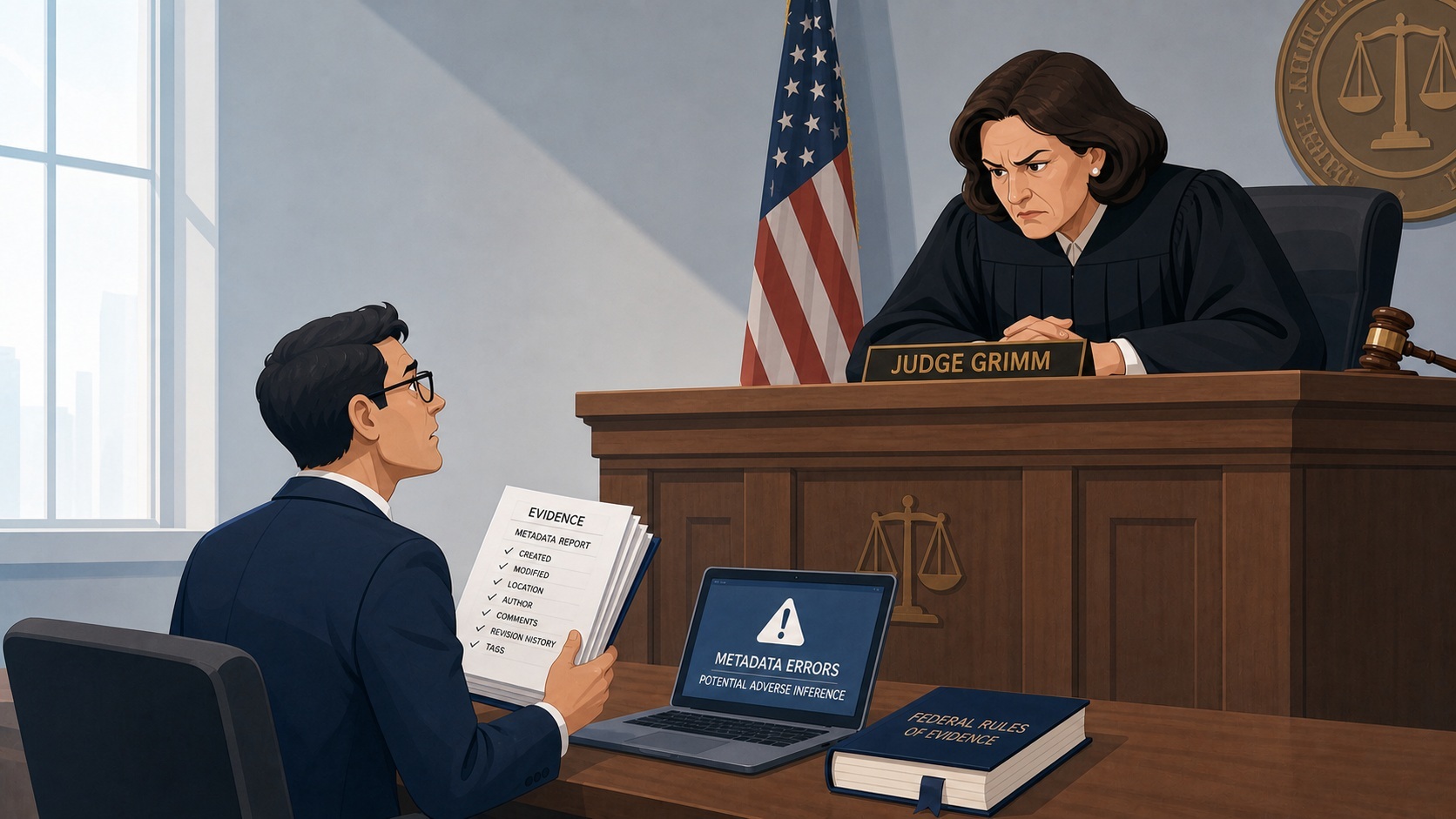 Photos being produced as exhibits should have their embedded location and device data reviewed before anyone decides whether that data helps or hurts the case — because sometimes it helps. You don’t want to accidentally destroy evidence (or let your client do it accidentally on purpose) when you’re just trying to be tidy. Frankly, destroying evidence when litigation is anticipated is a very large no-no at which a judge may frown deeply – sometimes with sanctions.
The flip side of all this, of course, is that the same sloppiness that burns your client can work in your favor against the other side. A produced document with intact metadata is a gift. It tells you who really wrote it, when, and whether the “contemporaneous” memo was actually drafted three days after the fact. I’ve had more than one case where a “Created” timestamp that didn’t match anyone’s testimony blew the case open.

The broader point is that a document isn’t just what you can see on the screen. It’s a small forensic record of its own life, and that record travels with it whether anyone remembers to look or not. Attorneys who treat metadata review as a routine part of both production and receipt catch things that attorneys who don’t simply never see.
What’s the closest call you’ve had — metadata that almost went out the door, or metadata you caught on the other side that changed the case?
Steve Burgess is a digital forensics expert witness with more than 40 years of experience and over 20,000 devices and digital media examined. He is the principal of Burgess Forensics, founded in 1984.
Don’t miss a single issue of our informative newsletter … Subscribe!